
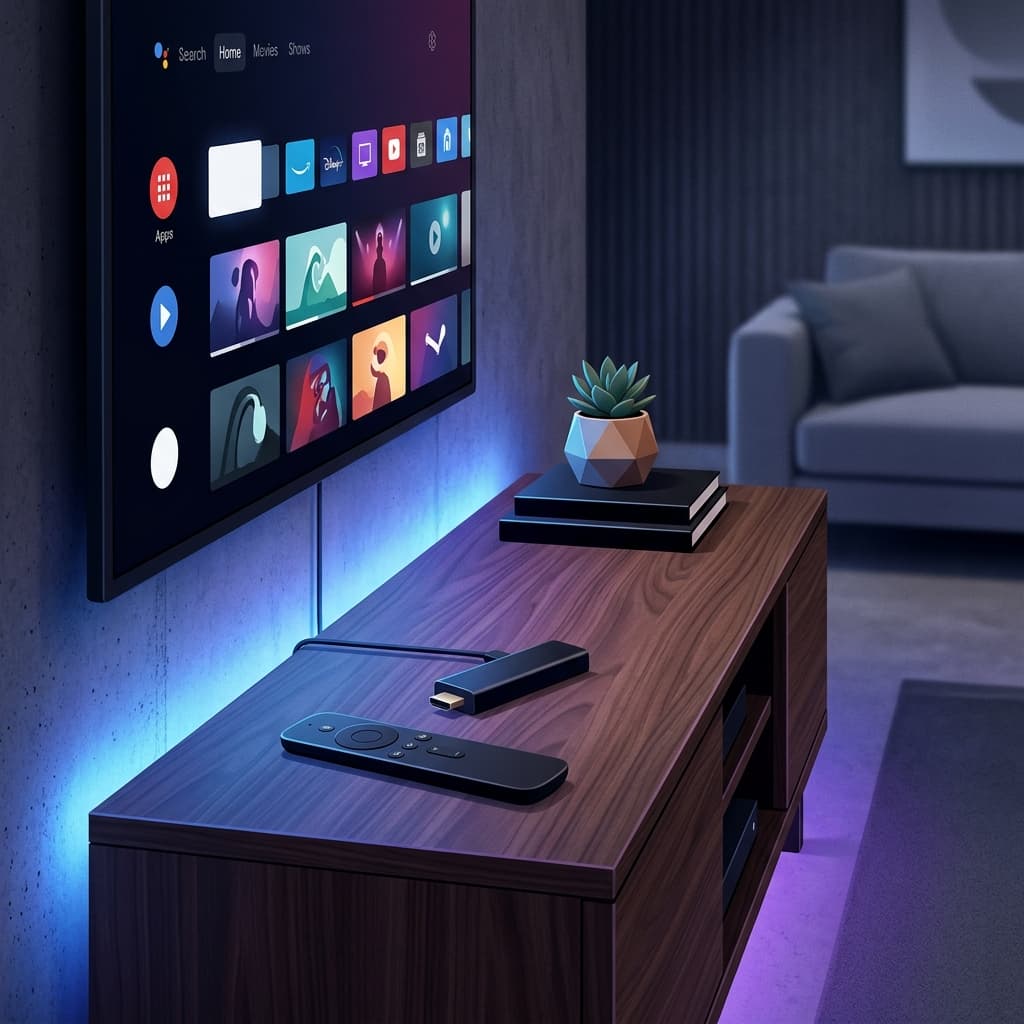
LG Smart TVs run webOS, LG's own operating system built around a card-based interface you navigate with the Magic Remote's pointer. Like Samsung's Tizen, webOS has a curated app store — the LG Content Store — and does not support sideloading APK files. The available IPTV apps are more limited than on Android TV, but several reliable options exist.
webOS is designed around simplicity: swiping the Magic Remote moves an on-screen cursor, and the Home button opens a horizontal launcher bar rather than a full-screen grid like Android TV. This matters for IPTV apps because navigating a large channel list or EPG with a pointer-based remote feels different than the directional-pad navigation used on Firestick or Android TV — most LG IPTV apps are built with large, pointer-friendly buttons to account for this.
Recommended Apps for LG Smart TV
| App | Source | Notes |
|---|---|---|
| Smart IPTV (SIPTV) | LG Content Store | Popular, requires one-time activation fee |
| SS IPTV | LG Content Store | Free, M3U support |
| GSE Smart IPTV | LG Content Store (some regions) | Free, Xtream Codes + M3U |
Smart IPTV is the most widely used option on LG TVs because it is available in the LG Content Store and supports M3U playlists reliably.
How to Set Up Smart IPTV on LG TV
Smart IPTV uses a web-based configuration method:
- Install Smart IPTV from the LG Content Store (search "Smart IPTV").
- Open the app on your LG TV and note the MAC Address shown on screen.
- On a computer or phone, visit
siptv.app/mylist. - Enter your TV's MAC address and paste your M3U URL.
- Click Send to TV.
- Close and reopen Smart IPTV on your LG TV. Your channels will now appear.
Note: Smart IPTV offers a free trial period, after which a one-time payment is required to continue using the app.
See the full guide at /setup/smart-tv.
How to Use SS IPTV on LG TV
- Install SS IPTV from the LG Content Store.
- Open the app and go to Settings > Playlist.
- Select Add Playlist and enter your M3U URL.
- Save and return to the main screen. Your channels will load.
EPG on LG Smart TV
EPG on LG is usually passed through your M3U URL automatically if it includes EPG data. If the guide is blank:
- In Smart IPTV: Go to the settings screen and trigger a manual EPG update.
- In SS IPTV: Check the EPG URL field in Settings and enter the EPG source URL if required.
Allow several minutes for the EPG to populate on first load.
Common LG IPTV Problems
App Not Found in LG Content Store
App availability in the LG Content Store varies by region. If an app is not visible, change your LG account region in the TV's general settings. Note that changing region may affect other app availability.
Channels Not Loading
- Verify your M3U URL or Xtream Codes credentials are correct with no extra spaces.
- Check that your subscription is active.
- Refresh the playlist inside the app.
Buffering on LG TV
- Use a wired Ethernet connection if possible.
- Reduce the stream quality in app settings if 4K is causing buffering.
- Restart both your LG TV and your router.
EPG Not Showing or Outdated
- Trigger a manual EPG refresh in the app settings.
- Ensure the EPG URL or data source is correctly set in the playlist settings.
Internet Speed Requirements
A minimum of 15 Mbps is needed for stable HD streams on LG TV. For 4K, 25 Mbps or more is recommended. LG TVs support both Wi-Fi and wired Ethernet — wired is preferred for 4K.
Which LG TVs Support These Apps?
LG has used webOS across its Smart TV range since 2014, and it's rebranded with a version number each year (for example, webOS 6.0, webOS 22, webOS 23, and later). Most LG TVs made in the last several years can run Smart IPTV, SS IPTV, or GSE without issue. Very old LG TVs running "NetCast," the pre-webOS platform LG used before 2014, have a much smaller and outdated app selection — if your LG TV predates webOS, an external streaming device is a more reliable path to IPTV.
webOS vs. Tizen vs. Android TV for IPTV
All three major Smart TV platforms restrict installation to their own app stores, but they differ in how they configure playlists:
- LG webOS apps like Smart IPTV rely on the same web-based
siptv.app/mylistconfiguration method used on Samsung — you enter your MAC address on a computer and push the playlist to the TV remotely. - Samsung Tizen uses the identical MAC-address method for Smart IPTV, but also supports GSE Smart IPTV's in-app Xtream Codes login, which LG's Content Store carries only in some regions.
- Android TV/Google TV has no such restriction — TiviMate and other apps let you type credentials directly into the app, and sideloading is possible if the Play Store doesn't have what you need.
If in-app credential entry (rather than a separate website step) matters to you, and GSE isn't available in your region's LG Content Store, an Android TV box paired with your LG TV gives you more direct control.
Frequently Asked Questions
Can I sideload IPTV apps on an LG Smart TV? No. webOS only allows installing apps through the official LG Content Store. There is no supported method for installing APK files directly on an LG TV.
Why do I have to use a website to set up Smart IPTV on LG?
Smart IPTV was designed around a MAC-address activation system — you enter your TV's MAC address on siptv.app/mylist from a computer or phone, and the playlist gets pushed to the app remotely. This is different from apps like GSE that let you type your Xtream Codes login directly on the TV.
Does GSE Smart IPTV work on all LG TVs? GSE's availability in the LG Content Store varies by region and TV model year. If it's missing, Smart IPTV or SS IPTV are reliable fallbacks available more broadly across LG's lineup.
What LG webOS version do I need for IPTV apps? Most LG Smart TVs released from around 2016 onward run a webOS version compatible with Smart IPTV and SS IPTV. Very old NetCast-era LG TVs (pre-2014) typically cannot run modern IPTV apps.
Is a wired connection necessary for IPTV on LG TV? It's not strictly necessary but is strongly recommended for 4K streaming, since Wi-Fi congestion is a common cause of buffering on Smart TVs. Use Ethernet whenever the TV is within cable reach of your router.
Need Help?
Visit our FAQ or contact support. Support is available daily from 9 AM to 11 PM EST.
Related Guides
Running into stuttering after setup? See our LG IPTV buffering troubleshooting guide. Need your TV's MAC Address first? Check our guide to finding it, or compare with the Samsung setup process if you're choosing between TVs. For every other device, see our full IPTV Setup Guide.
Ready to get started with premium IPTV?
Visit Homepage