
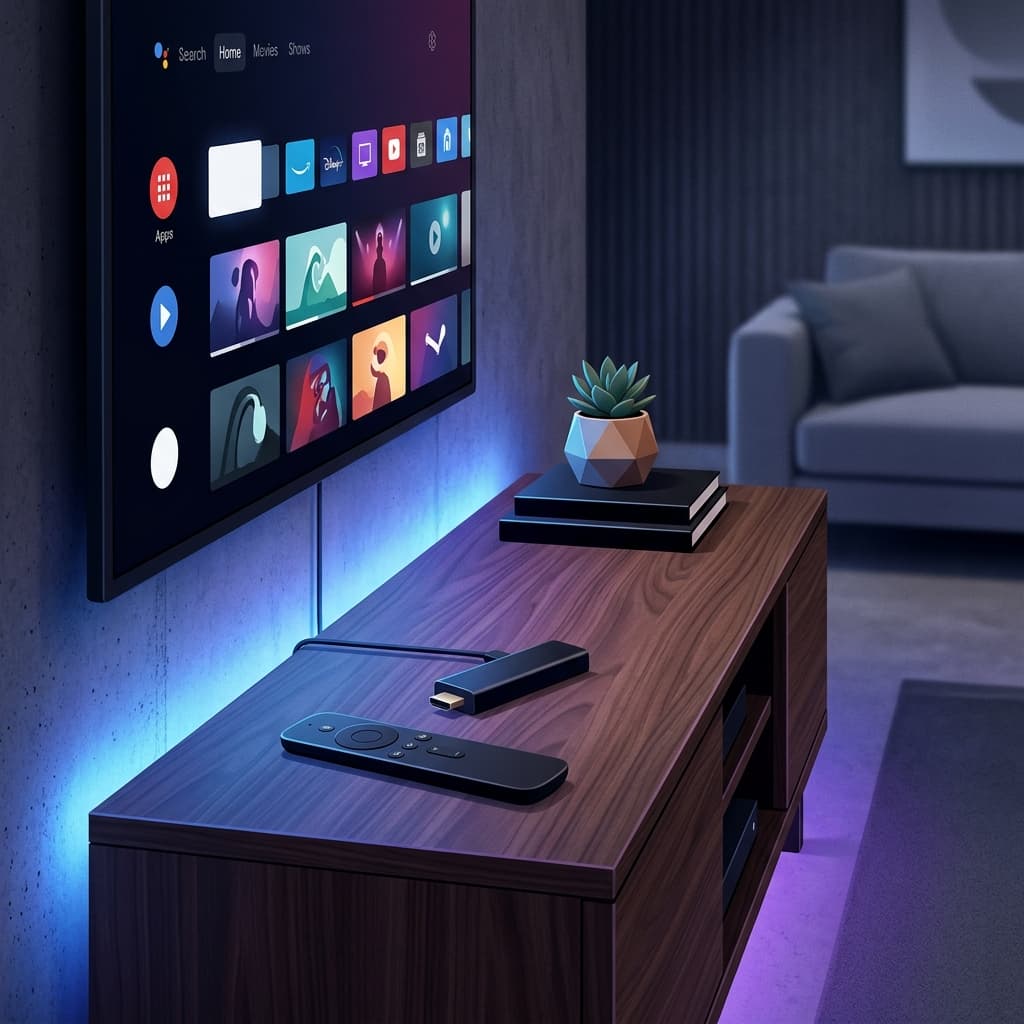
Apple TV 4K runs tvOS, which is more restrictive than Android TV. Apps must be distributed through the Apple App Store, and Apple reviews every submission before it goes live — there is no developer options menu or sideloading path on tvOS, unlike Firestick or Android TV. However, several well-maintained IPTV apps are available for tvOS.
Apple TV Models and What They Support
| Model | Storage | Notes for IPTV |
|---|---|---|
| Apple TV HD | 32GB | Older, 1080p only, limited RAM for heavy EPGs |
| Apple TV 4K (2nd gen) | 32/64GB | HDR support, solid performance |
| Apple TV 4K (3rd gen) | 64/128GB | Thread networking, USB-C power, best current performance |
Any current Apple TV 4K model runs IPTV apps smoothly. The older Apple TV HD can still run apps like IPTV Smarters Pro, but its more limited hardware means very large EPG files (long catch-up windows or thousands of channels) may load more slowly than on a 4K model.
Recommended Apps for Apple TV
| App | App Store | Credential Type | Notes |
|---|---|---|---|
| IPTV Smarters Pro | Available | M3U or Xtream Codes | Cross-platform, reliable |
| GSE Smart IPTV | Available | M3U or Xtream Codes | Free tier available |
| IPTVX | Available | M3U or Xtream Codes | Modern tvOS interface |
IPTV Smarters Pro is a consistent choice across Apple TV, iPhone, and iPad because the same credentials work on all Apple devices with a single app install.
How to Set Up IPTV Smarters Pro on Apple TV
- Open the App Store on your Apple TV.
- Search for IPTV Smarters Pro and install it.
- Open the app and select Login with Xtream Codes API.
- Enter your server URL, username, and password from your activation email.
- Tap Add User. Your channels will load.
To use M3U instead, select Add Playlist via M3U URL and paste your M3U link.
See the full guide at /setup/apple-tv.
How to Set Up GSE Smart IPTV on Apple TV
- Install GSE Smart IPTV from the App Store.
- Open the app and navigate to Remote Playlists or Xtream Codes API.
- Tap the + button to add your playlist.
- Enter either your M3U URL or Xtream Codes server, username, and password.
- Save and return to the main screen.
Apple TV vs Android TV for IPTV
Apple TV has a smoother, more polished interface, but fewer IPTV app options compared to Android TV. Key differences:
- App availability: Android TV has more IPTV app choices (TiviMate is Android-only).
- Sideloading: Apple TV does not allow sideloading — all apps must come from the App Store.
- Performance: Apple TV 4K has excellent hardware and handles 4K streams well.
- EPG support: EPG is supported but may vary by app on tvOS.
Configuring EPG on Apple TV
- In IPTV Smarters: EPG loads automatically with Xtream Codes. For M3U, check the EPG settings inside the playlist configuration.
- In GSE Smart IPTV: Go to Settings and enable EPG. Trigger a manual refresh if needed.
Common Apple TV IPTV Problems
App Not Available in Canadian App Store
Availability may vary. If an app does not appear, check if your Apple ID region matches Canada. Some apps may only be available in specific regional stores.
Buffering on Apple TV
- Switch from Wi-Fi to Ethernet using a USB-C to Ethernet adapter for Apple TV 4K (3rd gen) or the built-in port on older models.
- Reduce stream quality in the app if 4K causes buffering.
- Restart the Apple TV from Settings > System > Restart.
Channels Not Loading
- Check your credentials by logging in on another device (iPhone or Android).
- Refresh your playlist in the app settings.
- Verify your subscription is active by contacting support.
EPG Missing
- Trigger a manual EPG refresh in the app settings.
- For M3U, confirm the EPG URL is entered separately in the playlist settings.
Internet Speed Requirements
- HD (1080p): 15 Mbps minimum
- 4K UHD: 25 Mbps minimum — Apple TV 4K supports Gigabit Ethernet for wired connections
Why tvOS Feels More Locked Down Than Android TV
Apple's closed ecosystem is a deliberate trade-off. Because every app is reviewed before release, tvOS apps tend to be more polished and consistent, and there's no risk of installing a malicious sideloaded file. The cost is flexibility: if an app you want isn't approved for the App Store, or is pulled from it, there is no alternative installation method on Apple TV the way Downloader provides on Firestick. This is also why some niche or older IPTV apps that exist on Android TV have no tvOS equivalent at all.
Frequently Asked Questions
Can I sideload IPTV apps on Apple TV? No. tvOS does not support sideloading under any circumstances. Every app must be downloaded through the official Apple App Store.
Why is TiviMate not available on Apple TV? TiviMate was built specifically for Android and has never been released for tvOS. IPTV Smarters Pro, GSE Smart IPTV, and IPTVX are the closest tvOS equivalents in terms of features.
Does Apple TV support 4K IPTV streams well? Yes. Apple TV 4K has strong hardware decoding and handles 4K streams smoothly, provided your internet connection meets the 25 Mbps minimum recommendation and ideally uses a wired Ethernet connection.
Is IPTV Smarters Pro the same on Apple TV as on iPhone? Largely yes — the same account credentials work across both, and the interface is similar, though the Apple TV version is adapted for remote-based navigation instead of touch.
Why can't I find an IPTV app in the Canadian App Store? App availability can vary by the Apple ID region attached to your account, not just your physical location. Check that your Apple ID's country/region setting matches Canada in your Apple ID account settings.
Need Help?
Visit our FAQ or contact support. Support is available daily from 9 AM to 11 PM EST.
Related Guides
See our guides for IPTV on Roku and IPTV on Android TV. Deciding between TiviMate and IPTV Smarters Pro on Apple TV? Read our head-to-head comparison. For every other device, see our full IPTV Setup Guide.
Ready to get started with premium IPTV?
Visit Homepage